
VisualKit
Live Website Editor & UI Capture
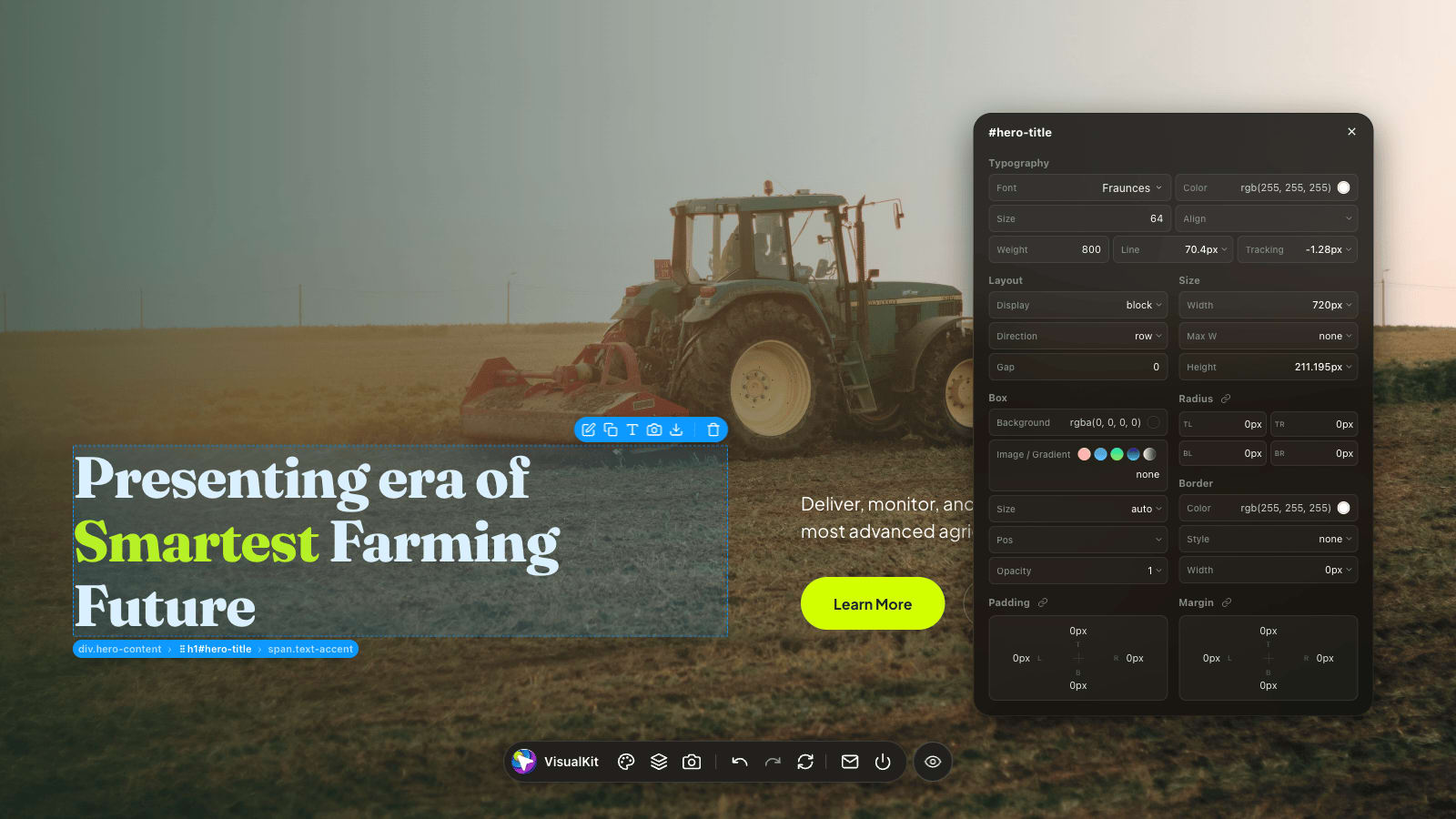
Turn any webpage into a simple design lab. VisualKit lets you edit live pages, grab clean screenshots, and export selected elements as ready-to-use HTML/CSS.
No more juggling DevTools and screenshot apps. VisualKit floats on top of the page so you can inspect styles, tweak UI, and save what you need without leaving your browser.
Features
Live Inspection & Box Model HUD
Hover over any element to view computed box model metrics, gap spacing, and border radius visualizations. Instantly inspect typography details — like font family, size, and line height — plus exact color palettes used in the selected element.
Visual Style Editor
Fine-tune element typography with the full Google Fonts library, font sizing, padding, margin, and border radius. Need extra flexibility? Write custom CSS directly inside the editor to tweak any property freely.
Style Studio (Global Level)
Open the Style Studio (Shift+S) to adjust design tokens across the entire page. Change document-wide typography and brand color palettes globally in real time.
Element Navigator & DOM Tree
Navigate complex page hierarchies effortlessly between parent, child, or sibling elements. Reorder elements across sections by dragging on screen or moving them into new parent containers via the navigator.
Direct Text Edit & Asset Management
Double-click any text element to edit copy live on the page. Copy or replace selected images and SVGs inline, or download single and batch assets — including images, SVGs, and videos — directly from your selection.
Advanced Capture & Stealth Mode
Capture pixel-perfect Visible Area (Shift+1), stitched Full Page (Shift+2), or isolated Component screenshots.
Production-Ready HTML/CSS Export
Export any element as a self-contained, clean HTML/CSS package complete with embedded @font-face rules, external font links, and dynamic pseudo-classes.
Translate Selection
Translate selected text elements into your target language directly on the page, letting you preview multilingual copy layouts without breaking design flows.
Multiple Element Selection
Select multiple elements at once to combine them into a Flexbox layout and edit their shared styles. Easily copy combined text or batch download all contained images, SVGs, and videos.
Privacy First & Local Execution
Every inspection, edit, and screenshot stays entirely on your device. No tracking, no external servers — just your work.
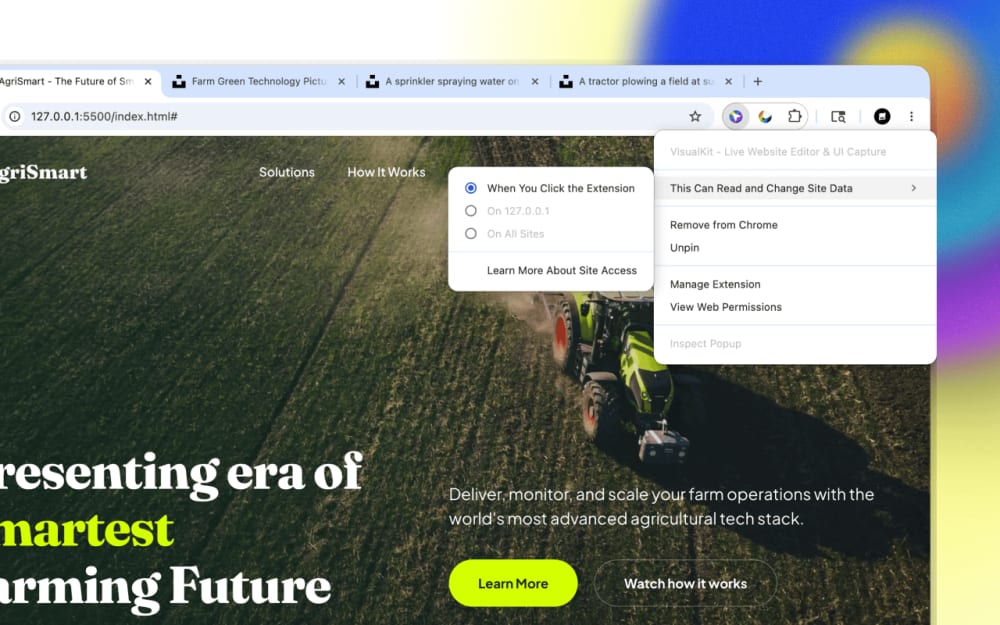
Ready to start?
Try VisualKit free during your trial with full access to all features. When it ends, unlock the permanent Pro experience anytime with a one-time $12 Polar license key.
Frequently Asked Questions
Everything you need to know about the product.
General
- Shift+1 — Capture Visible Area
- Shift+2 — Capture Full Page
- Shift+S — Toggle Style Studio
- Shift+E — Toggle Element Navigator
- Shift+C — Toggle Live Comparison Mode
- Cmd+Z / Cmd+Y — Undo / Redo
- Arrow Keys — Traverse parent, child, and sibling elements
Screenshots & Capture
More Apps
Small useful apps I build for myself, then share with others.